



Creative Elements 2.5.9 : Introducing Advanced Design & Motion Effects
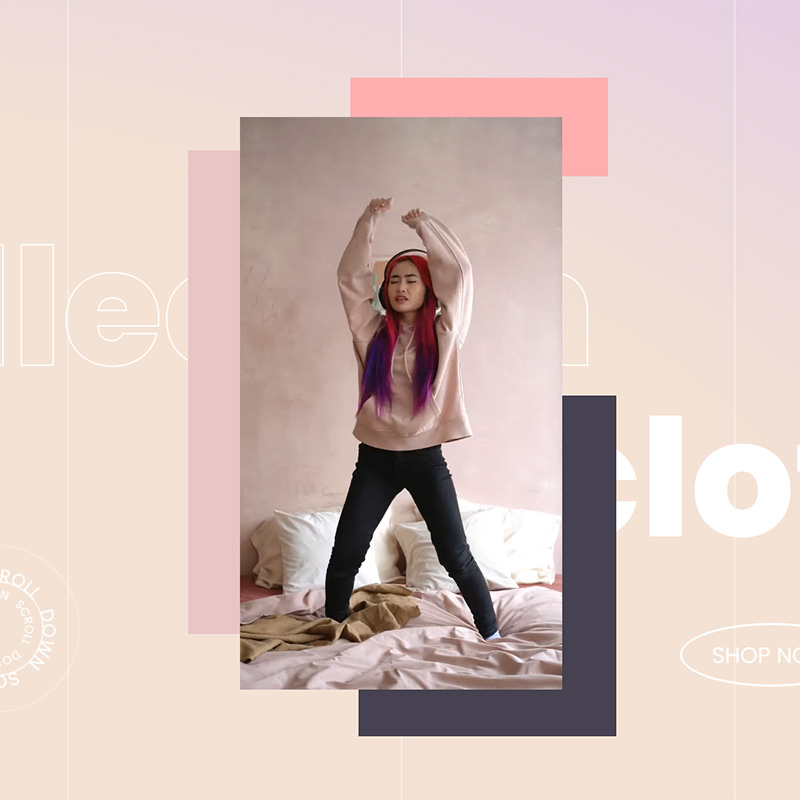
Creative Elements 2.5.9 introduces advanced design capabilities that allow you to create more dynamic, interactive, and visually engaging PrestaShop stores. With Motion Effects, enhanced animations, the new Text Path widget, and extended styling controls, this update gives you more creative freedom than ever before.

Entrance Animations
New Entrance Animations are now available with customizable properties, allowing you to control the intensity and behavior of each animation.
You can create more refined visual effects using animations such as Fade, Slide, Reveal, and Zoom. These include variations like Fade In, Reveal, Reveal with Scale, and Zoom In, giving you the flexibility to match the animation style to your design.


Motion Effects
This update introduces Motion Effects, divided into two categories: Scrolling Effects and Mouse Effects.
Scrolling Effects allow you to animate elements as users scroll through the page. You can apply transformations such as vertical and horizontal movement, opacity changes, blur, rotation, and scaling. These effects help create depth and a more engaging browsing experience.


Mouse Effects enable elements to react to cursor movement. This includes the 3D Tilt effect, where elements tilt dynamically based on mouse position, adding an interactive layer to your design.
Text Path widget
With the new Text Path widget, you can attach text to custom shapes and paths.
You can choose from predefined shapes or use your own SVG path, allowing you to create unique typographic designs that go beyond standard text layouts.

CSS Tansform
The CSS Transform feature is now available across all widgets.
You can apply transformations such as rotate, translate (offset), scale, skew, and flip. These transformations can also be combined with hover interactions, enabling you to create more advanced and interactive visual effects.


Text Stroke control
A new Text Stroke control has been introduced, allowing you to enhance headlines and highlight important content.
This feature is available across a wide range of widgets, including Heading, Animated Headline, Accordion, Call to Action, Countdown, Flip Box, Icon Box, Image Box, Tabs, Text Path, Testimonial, Testimonial Carousel, and Toggle widgets.
Two new templates
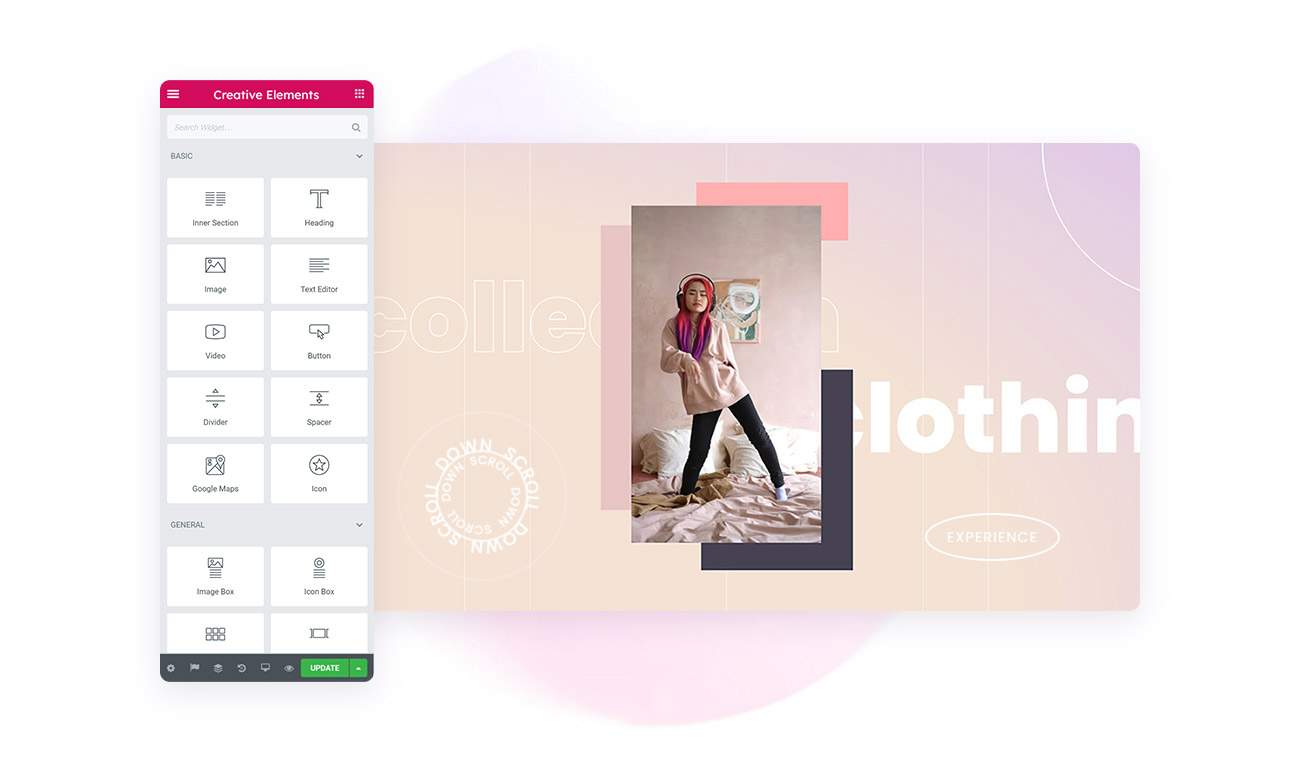
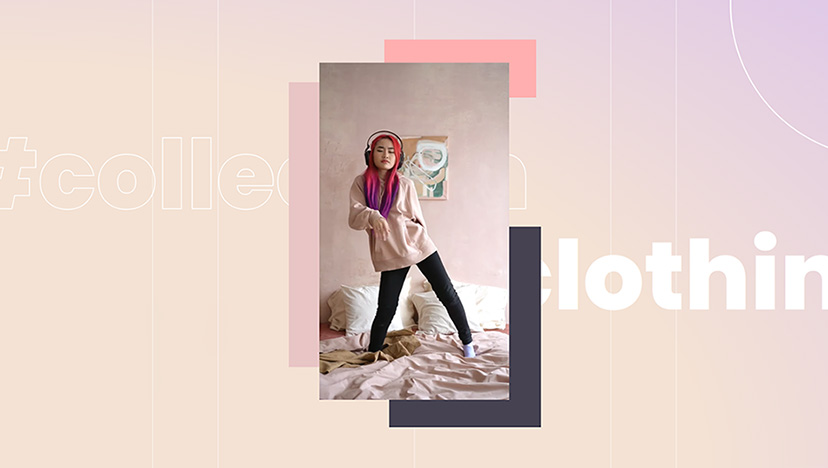
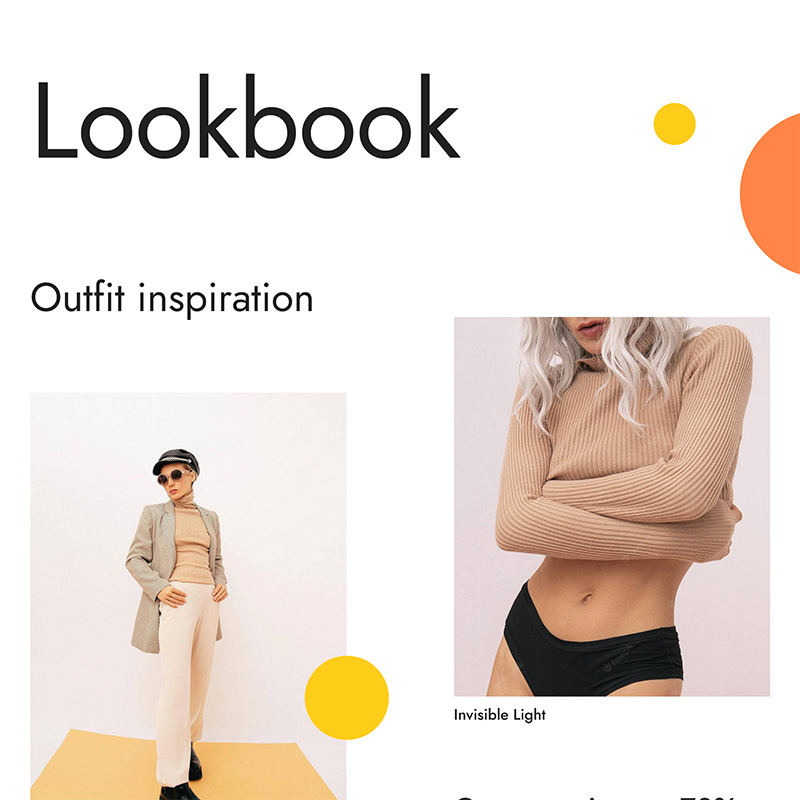
To showcase the new design capabilities, two new demo templates have been added. These examples demonstrate how the new motion and styling features can be used to create modern, visually engaging layouts.
Creative Elements 2.5.9 brings powerful design and animation tools to your PrestaShop store. With Motion Effects, enhanced animations, and new styling options, you can create more interactive and visually compelling user experiences.
How to Update?
Creative Elements v2.5.9 is available now. You can update directly via your module manager to take advantage of these new features immediately. The update process handles everything automatically, so you can get back to building straight away.
Design dynamically. Animate creatively. Engage your users.
Explore More Updates
Creative Elements 2.14 : A Giant Leap for Accessibility & Performance
In the rapidly evolving landscape of e-commerce, two factors are currently dominating the conversati…
Read more »
Creative Elements 2.5.8 : Introducing Product Layout Builder and More
Creative Elements 2.5.8 introduces powerful new tools to help you design fully customized product ex…
Read more »
Creative Elements 2.5.10 : Introducing Product Miniature Builder and Dynamic Tags
Creative Elements 2.5.10 introduces powerful new features designed to give you more flexibility, con…
Read more »