

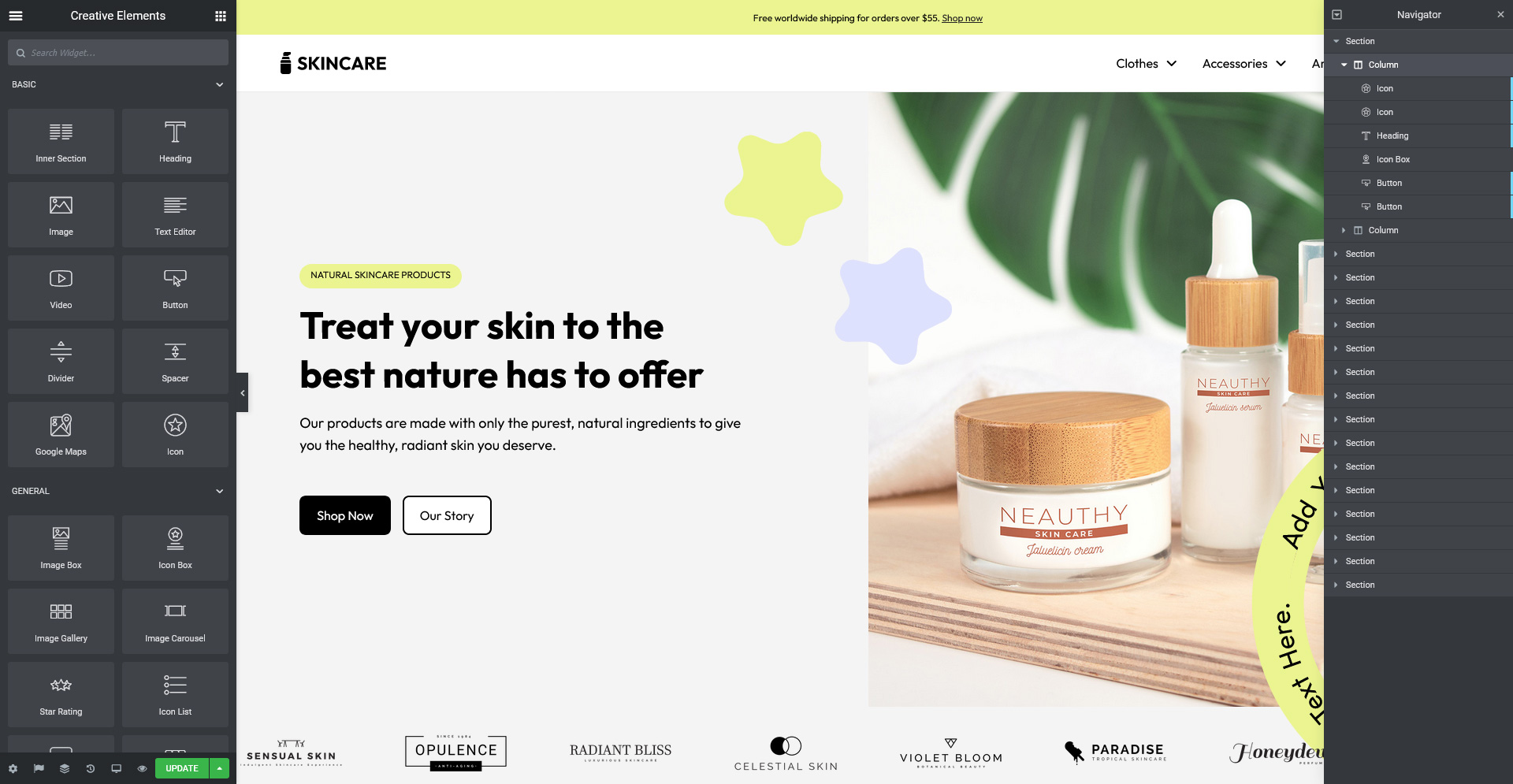
Creative Elements 2.9.14 : Introducing Theme Style and Custom Icons

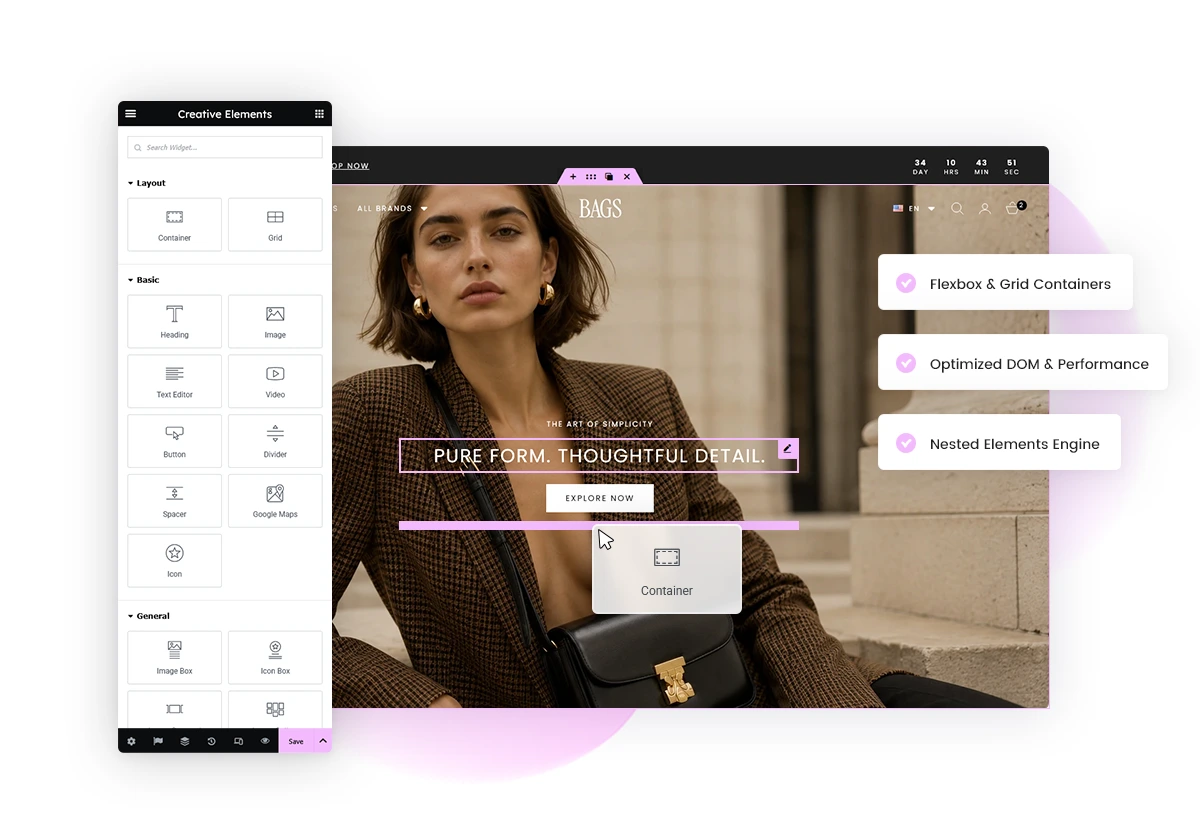
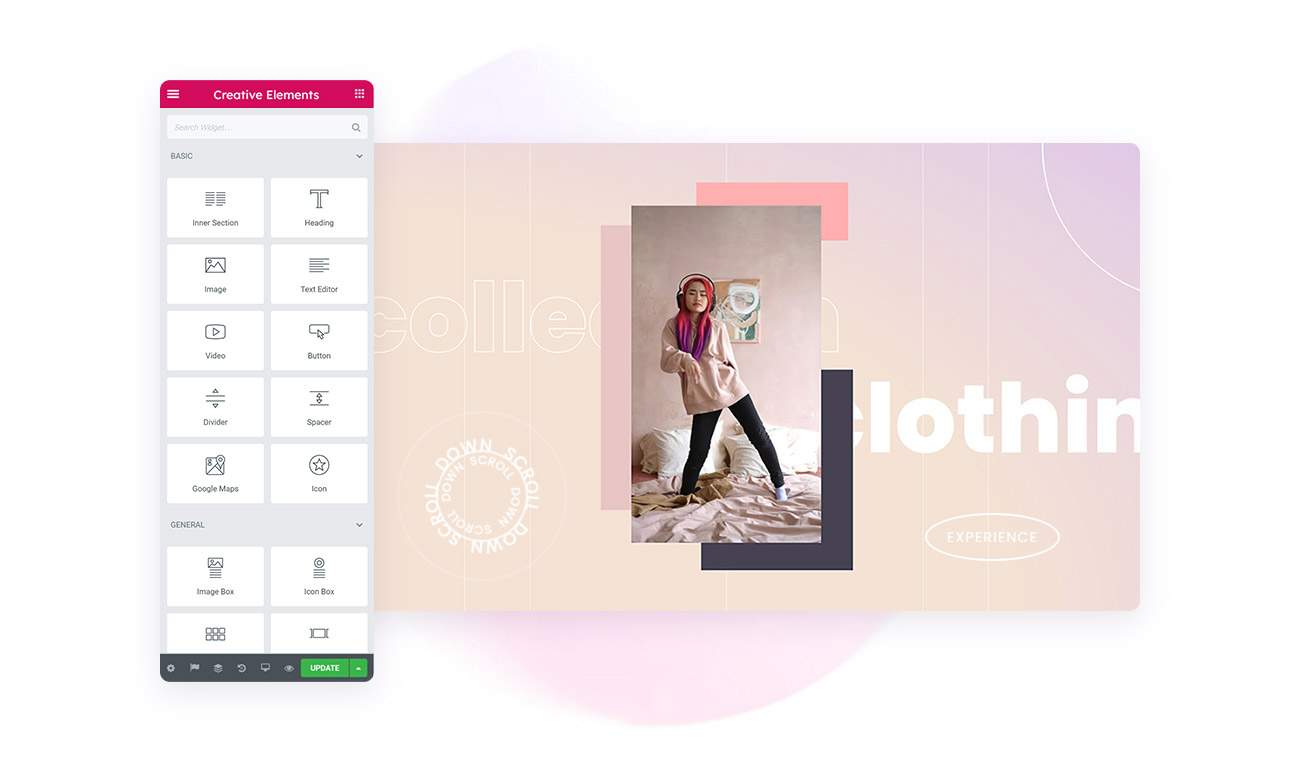
Creative Elements 2.9.14 introduces powerful new tools to help you design more consistent, modern, and visually engaging PrestaShop stores. With the new Theme Style system, a flexible Icon Manager, and UI improvements like Dark Mode and Background Slideshow, this update gives you greater control over your store’s design and user experience.

Theme Style

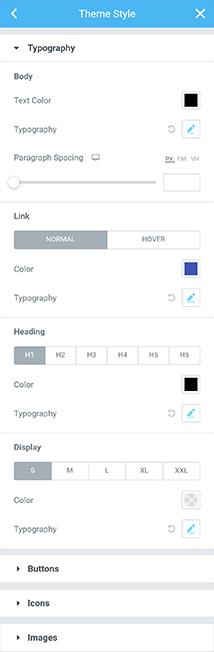
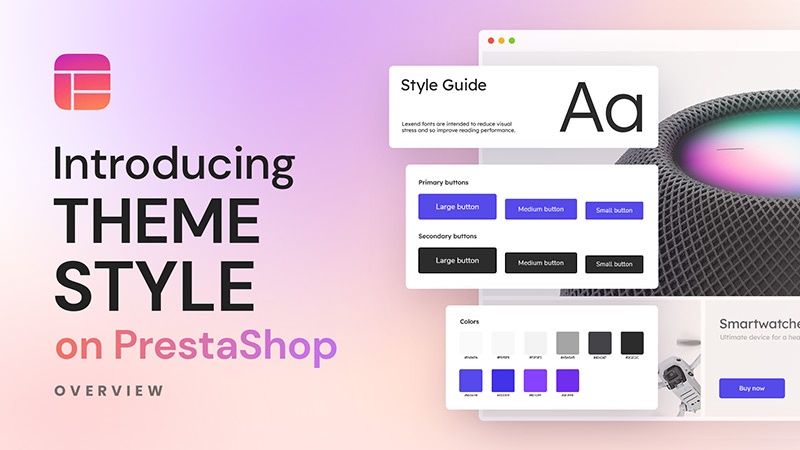
With the introduction of the Theme Style feature, you can now define the global design of your entire store from a single place. Instead of styling each widget individually, you can create a centralized style system that ensures consistency across all your pages.

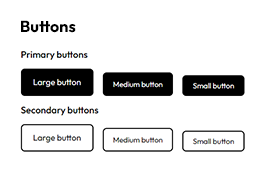
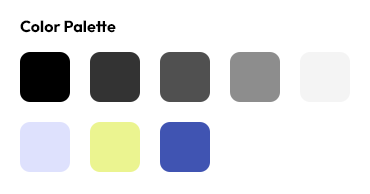
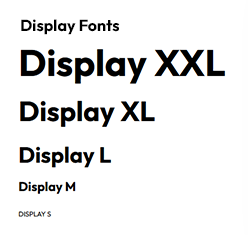
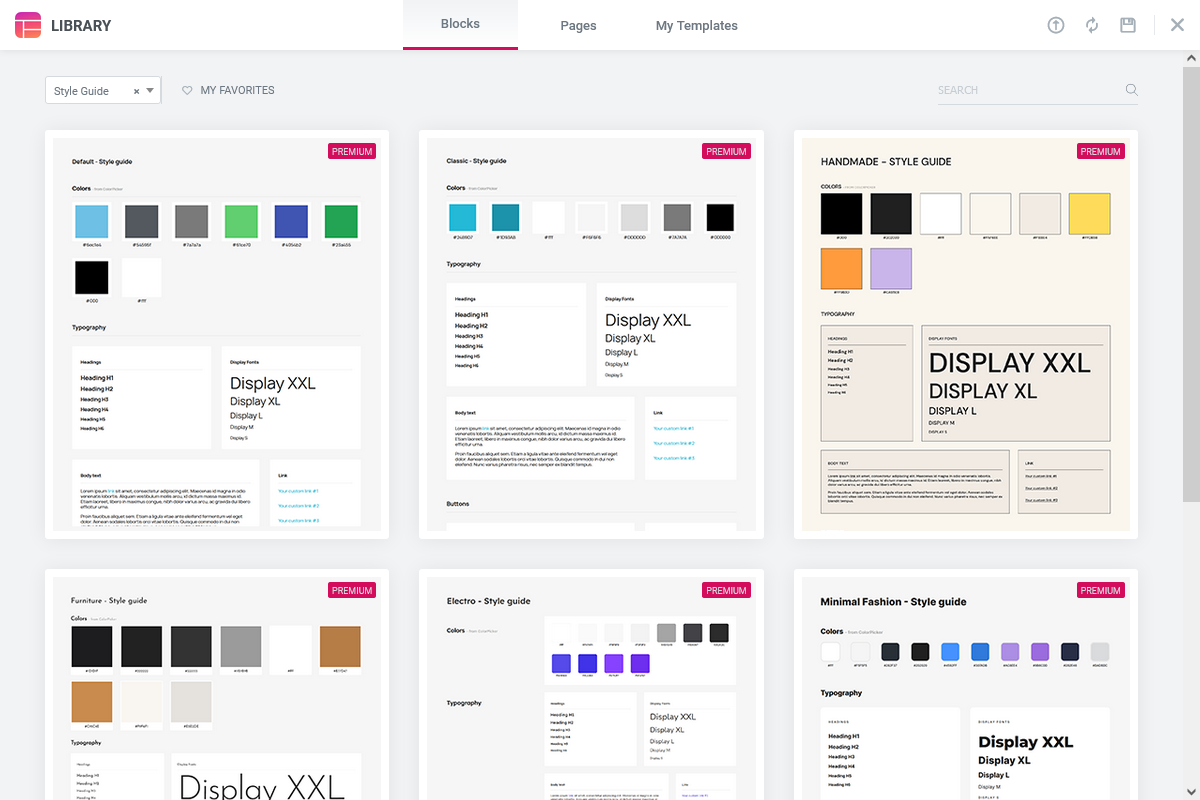
Theme Style allows you to build reusable Style Guides that apply to your entire store. You can define typography, colors, spacing, buttons, and other design elements once, and automatically apply them everywhere. This is especially valuable for ecommerce stores, where a consistent visual identity builds trust and improves the overall shopping experience.

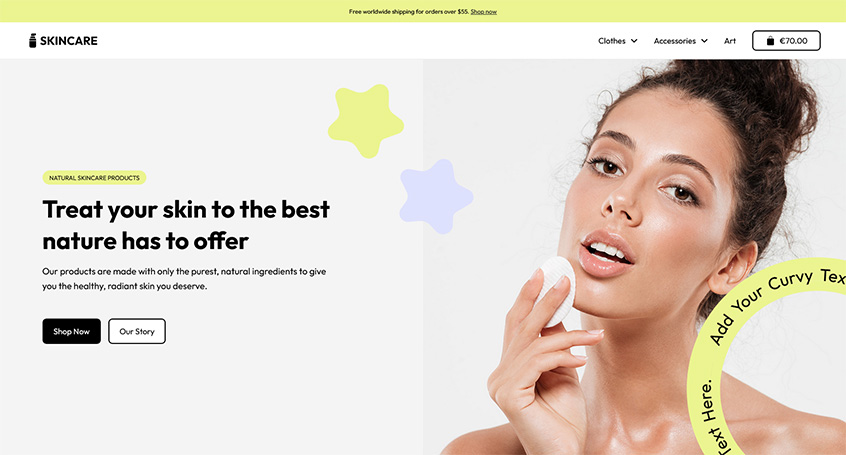
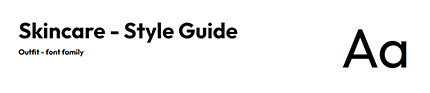
Premade Style Guide Templates

Who can benefit from this new feature?

Theme Style is designed for both new projects and existing stores.

If you are starting a new store, Theme Style helps you define your design system from the beginning. You can pre-configure headings, text styles, buttons, images, and form fields, allowing you to build pages faster with fewer manual adjustments. This also reduces the need for custom CSS and helps improve performance.

If you already have an existing store, you can still take advantage of Theme Style by gradually applying it to your pages. You can disable individual widget styles and replace them with global styles step by step, making your pages cleaner and more consistent over time.

Additionally, if your theme includes elements that were previously difficult to customize—such as default button styles—you can now override them easily using Theme Style. This gives you full control over your store’s appearance and helps you create a cohesive, professional design that improves usability and conversions.

Icon Manager

The new Icon Manager gives you full flexibility when working with icons across your store.

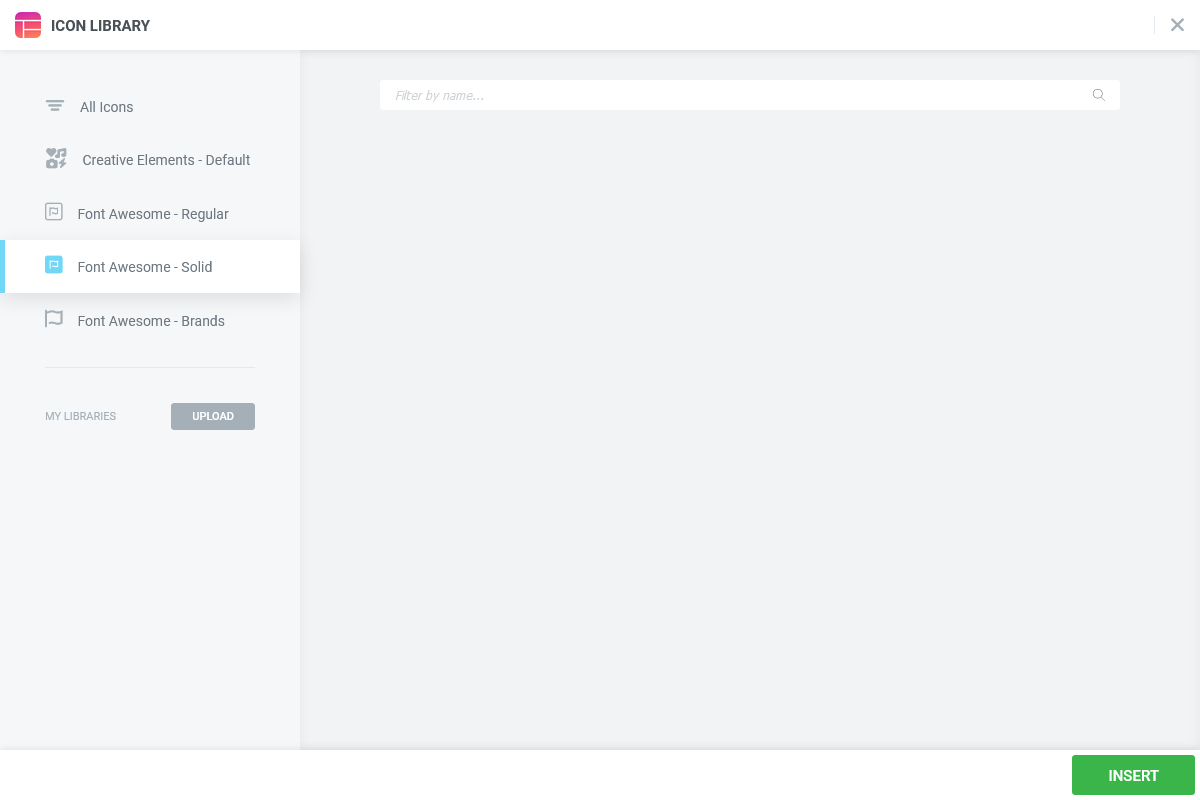
With the upgrade to Font Awesome 6, you now have access to more than 2000 free icons. In addition, you can upload your own custom SVG icons or import external icon libraries, giving you complete control over your visual identity. This allows you to create a more unique and branded experience across your website. Whether you are adding icons to buttons, navigation, call-to-actions, headers, or footers, the Icon Manager makes the process simple and flexible.

More than 2000 free Font Awesome 6 icons

Dark Mode UI theme

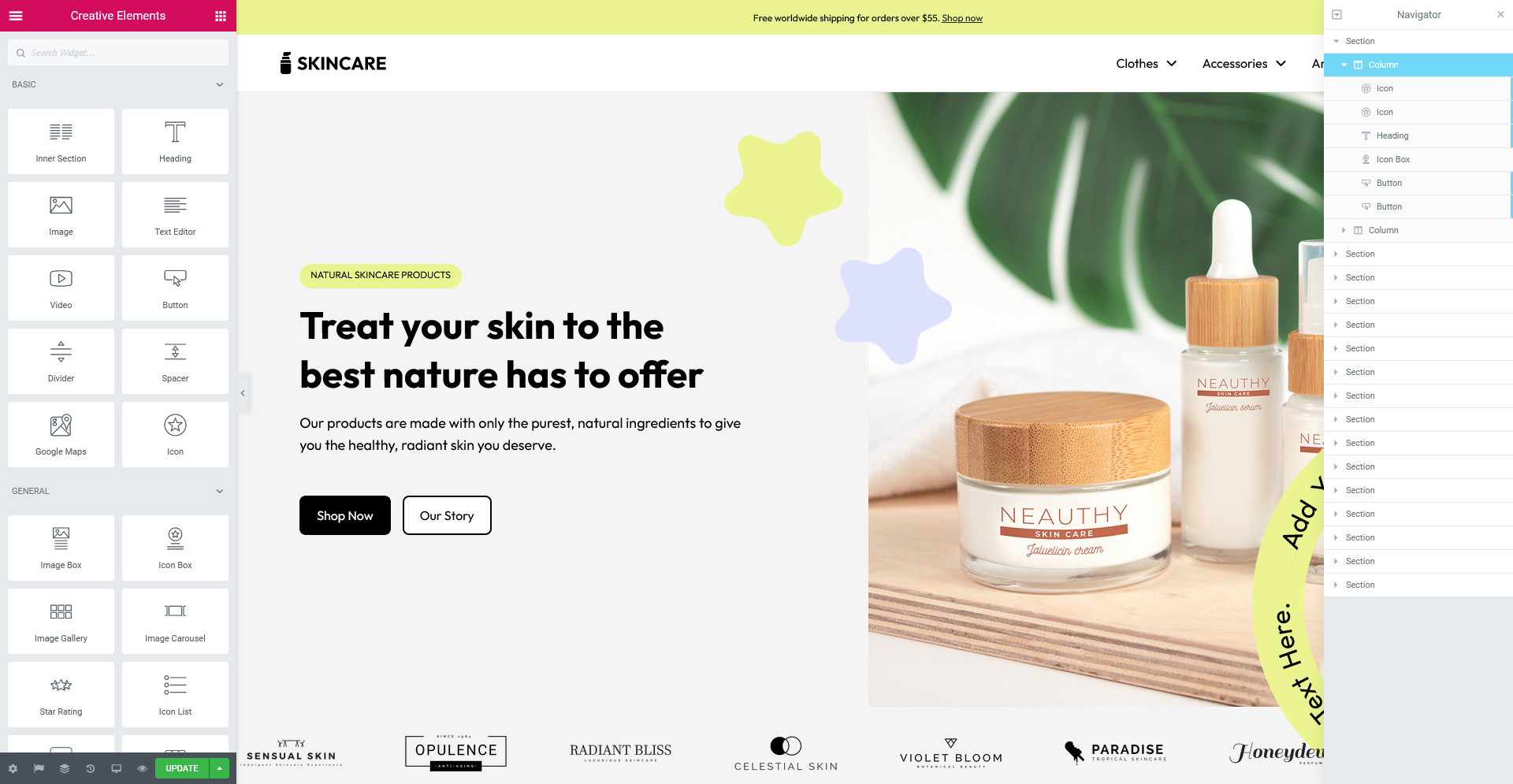
Creative Elements 2.9.14 introduces a Dark Mode interface for the editor.

This new UI theme is not only visually appealing but also improves usability during long editing sessions. It reduces eye strain, especially in low-light environments, and enhances contrast in the editor panel for better readability. Additionally, Dark Mode can help reduce energy consumption on certain devices, making it a practical and modern addition to your workflow.

Background slideshow

With the new Background Slideshow feature, you can create dynamic and visually rich sections by adding image sliders as backgrounds to Sections, Columns, or Inner Sections. This feature allows you to design more engaging layouts while keeping your content clean and readable. You can overlay text, buttons, or other elements on top of the slideshow to create impactful hero sections and banners.

The built-in Ken Burns effect adds smooth motion and depth to your images, helping your designs feel more dynamic and modern.

Level up your style
with our collections

Creative Elements 2.9.14 brings important design and usability improvements to your PrestaShop store. With Theme Style, you can manage your entire design system from one place. The Icon Manager gives you full control over your visual assets, while Dark Mode and Background Slideshow enhance both your workflow and your storefront design.

These features help you build more consistent, visually appealing, and user-friendly ecommerce experiences.

How to Update?

Creative Elements v2.9.14 is available now. You can update directly via your module manager to take advantage of these new features immediately. The update process handles everything automatically, so you can get back to building straight away.

Design consistently. Customize freely. Elevate your store.

Explore More Updates