Creative Elements 2.12 : Introducing Login and Register Page Builder

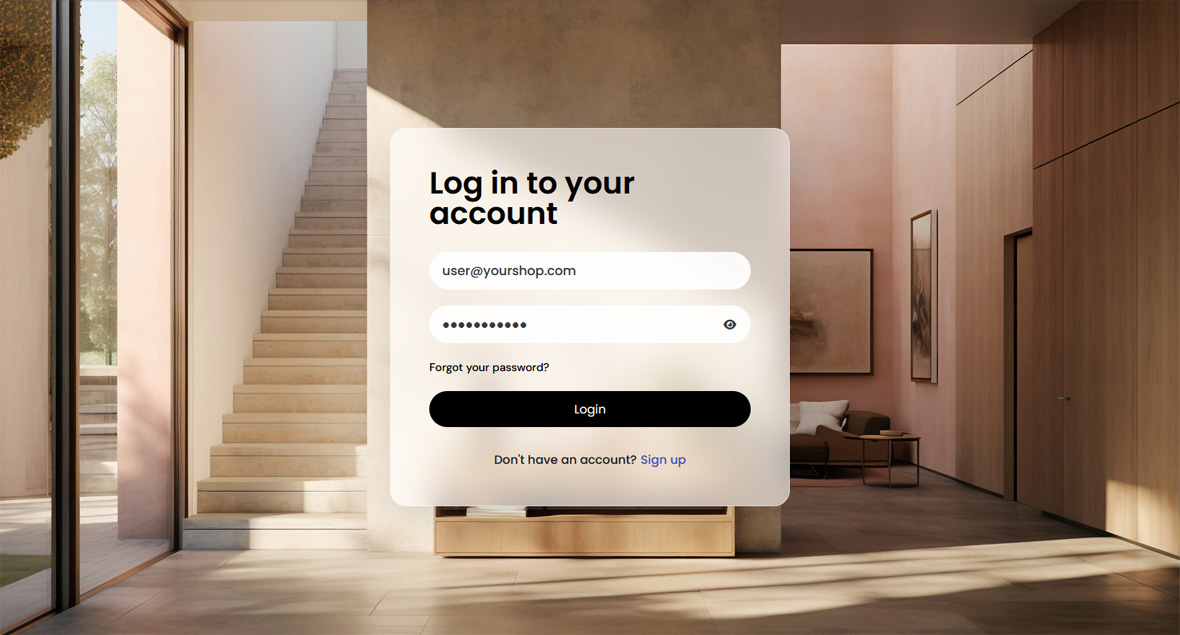
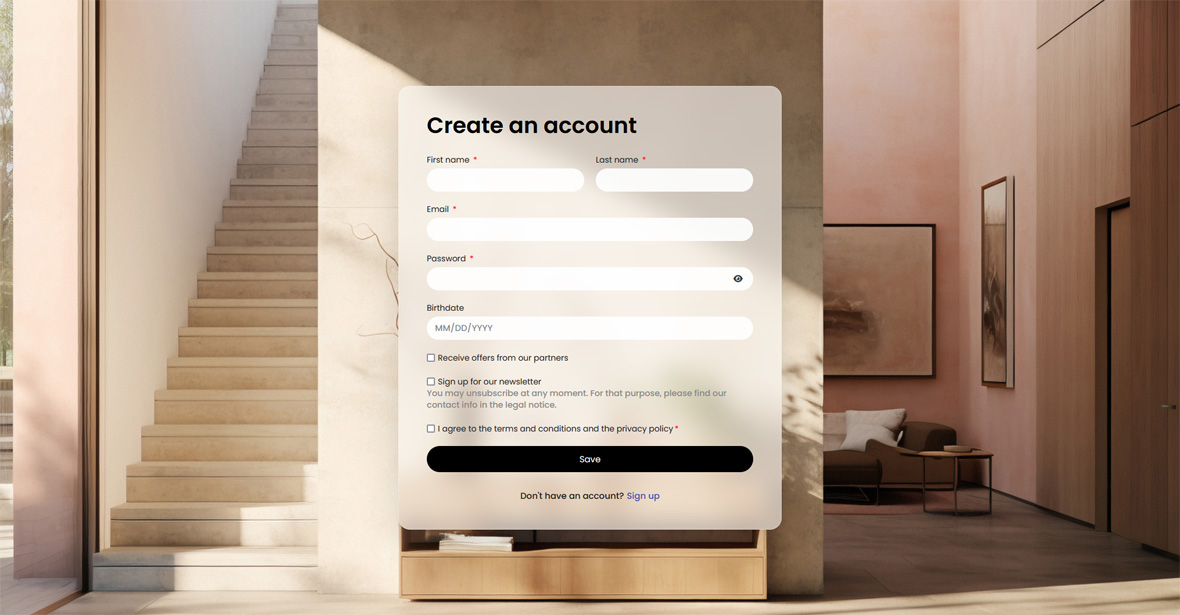
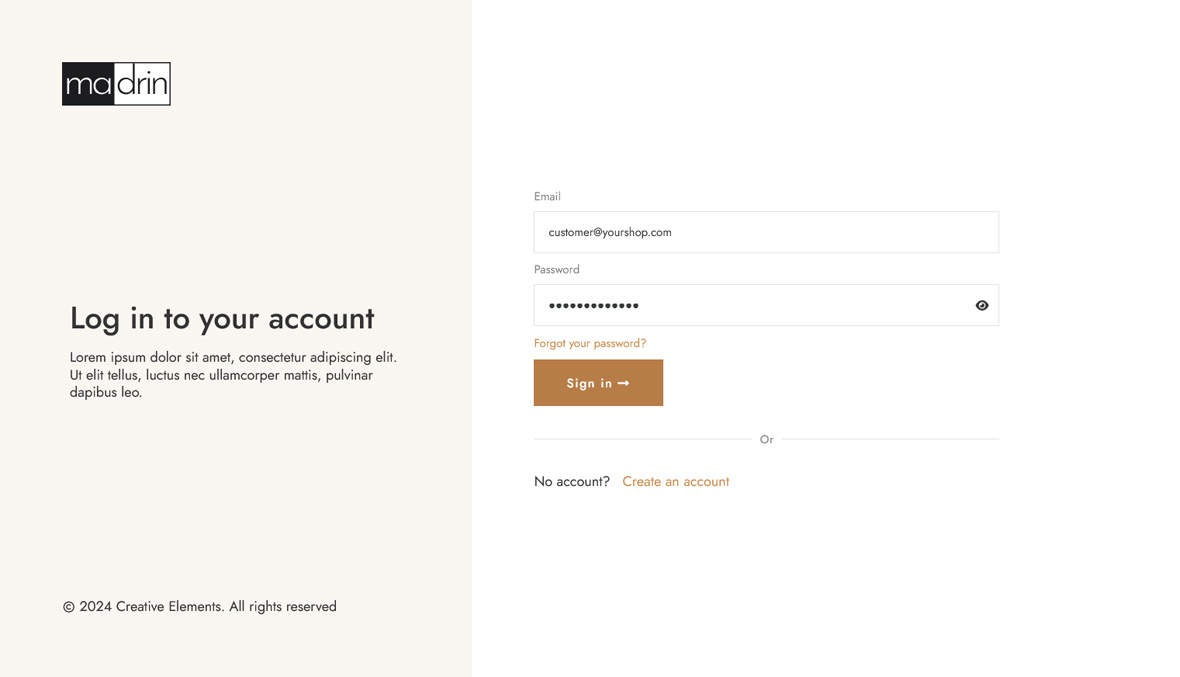
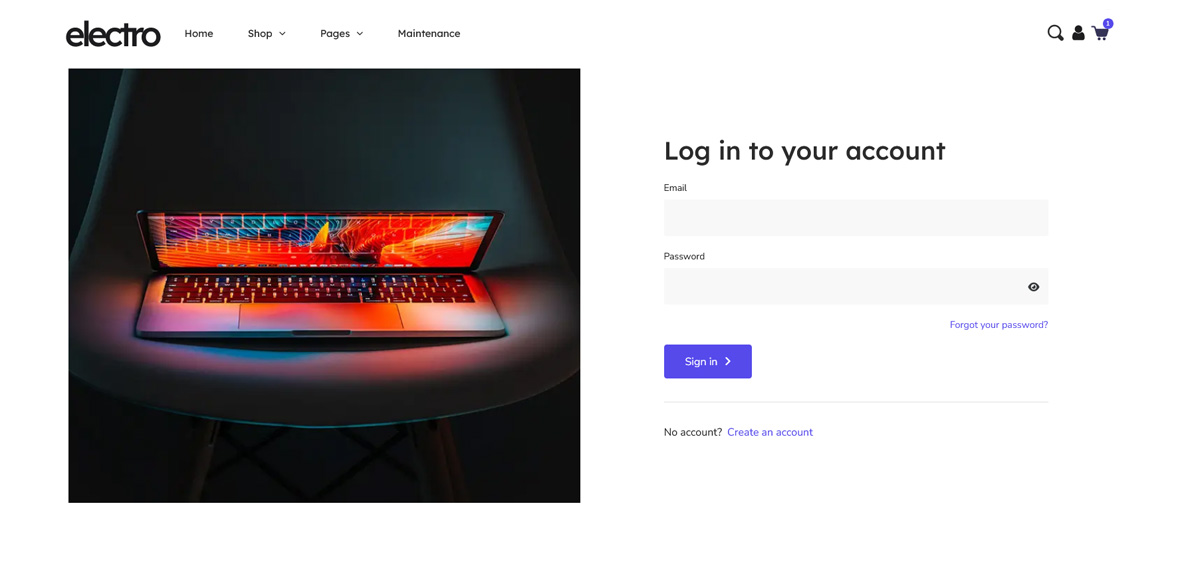
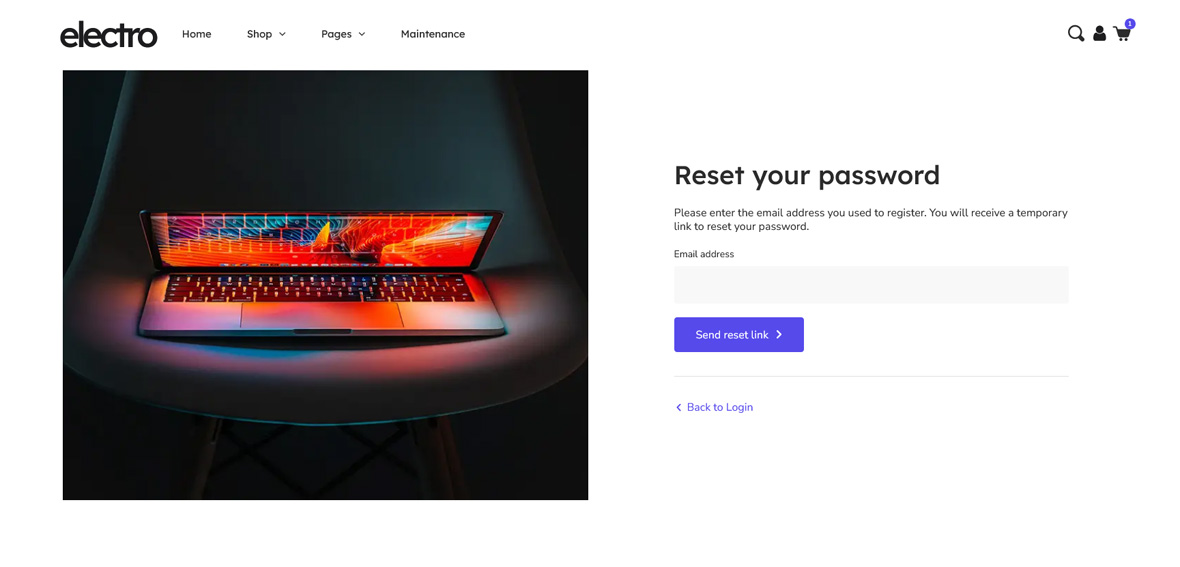
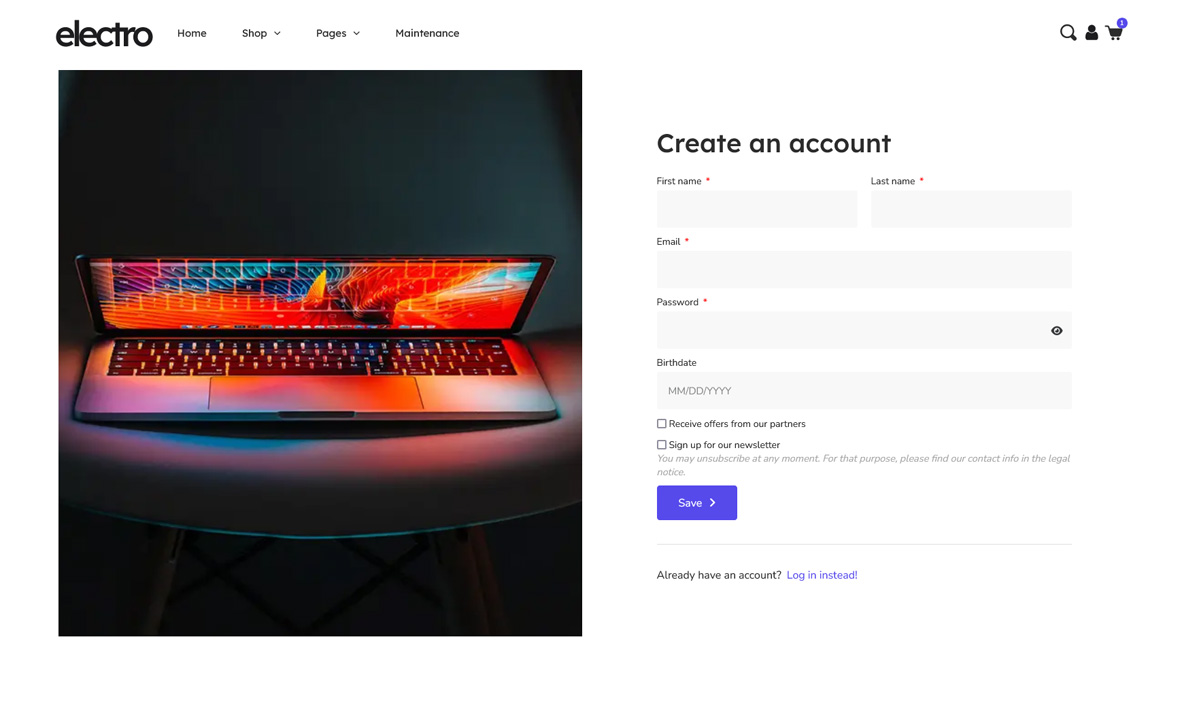
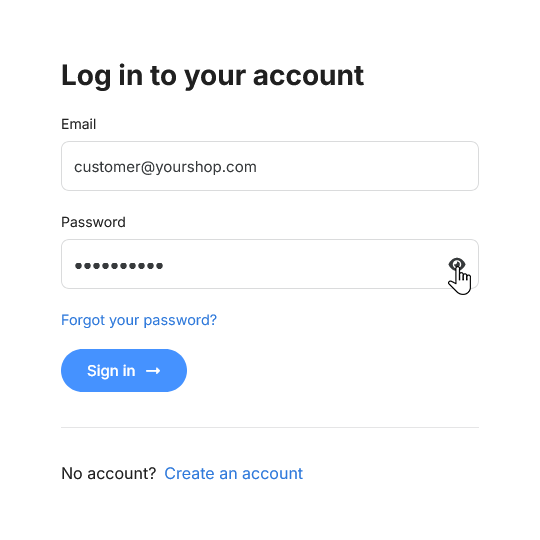
We’re excited to announce Creative Elements 2.12, bringing powerful new tools to your PrestaShop store! This update introduces the Login, Register and Password Recovery Page Builders along with performance enhancements. Design login and registration pages that match your brand and ensure a consistent user experience.

New Page Builders: Expanding Possibilities

Creative Elements has already empowered users to customize major PrestaShop components such as the Header, Footer, Home Page, Product Pages, and Category Pages. With version 2.12, this flexibility now extends to Login, Register, and Password Recovery pages, marking a major milestone in PrestaShop customization.

This update introduces three new page types and six dedicated widgets, enabling seamless creation of login and signup pages that were previously unattainable in PrestaShop.

These pages are critical touchpoints in the customer journey. With full design control, you can create a seamless and consistent experience that aligns with your brand. For example, the show/hide feature for password fields allows you to resize, recolor, or replace the eye icon with custom SVG graphics, ensuring a fully personalized design.

Furthermore, the importance of the PrestaShop password strength indicator has been reinforced. This ensures a more secure user experience by encouraging stronger passwords during registration.

Spam Protection - Google reCAPTCHA, hCaptcha & GDPR Captcha

Boost the security of your forms with Spam Protection - Invisible reCaptcha. This module integrates seamlessly with the new Login, Register, and Password Reminder forms, providing reliable spam prevention and ensuring a smooth user experience.
Read more »

User Menu widget

The Sign-in widget has been transformed into the new User Menu widget, bringing enhanced functionality and customization. This widget now supports separate submenus for visitors and logged-in users, improving the user journey. Additionally, you can upload and use custom SVG icons, enabling a more personalized header design that aligns perfectly with your brand identity.

New Widget Spacing

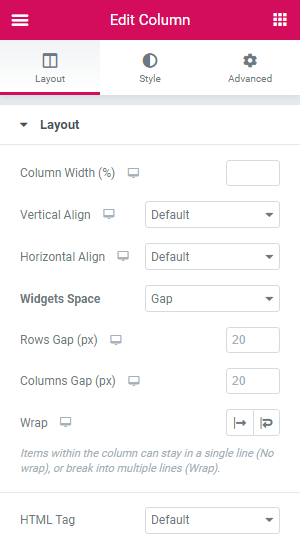
Previous versions of Creative Elements relied on the margin-bottom CSS property for widget spacing. Version 2.12 introduces the modern gap property, which not only maintains consistent spacing between widgets which are under each-other but also among in-line elements.

This new system also includes a wrap control, allowing you to pull widgets into a row with a single click.

Theme Style Improvements

The Theme Style feature has received a comprehensive update, making global styling more intuitive and accessible. The navigation in the panel has been unified for a smoother experience, and the clickable elements in the Style Guide are now more noticeable due to added highlighting.  Additionally, we have managed to speed up the rendering of global styles, reducing server-side rendering time for different pages by approximately 10-20ms. These improvements ensure quicker and more efficient customization of your store’s aesthetic.

Theme Style - New highlight feature

Creative Elements 2.12 brings new flexibility to the login and registration experience—an essential part of any e-commerce store. With improved customization and better control, you can create a more consistent and user-friendly journey for your customers.

How to Update?

Creative Elements v2.12 is available now. You can update directly via your module manager to take advantage of these new features immediately. The update process handles everything automatically, so you can get back to building straight away.

Design every step. Create smooth user journeys. Convert more users.

Explore More Updates